Every screenshot, clean and ready to ship
Capture any page as a crisp PNG, JPEG or WebP in one call. Cookie banners removed automatically, no browser infrastructure to run or babysit.
100 free screenshots, no credit card
curl https://api.apiscreenshot.com/v1/screenshot \
  -H "Authorization: Bearer sk_live_..." \
  -H "Content-Type: application/json" \
  -d '{ "url": "https://en.wikipedia.org/wiki/Main_Page", "fullPage": true }' \
  -o screenshot.png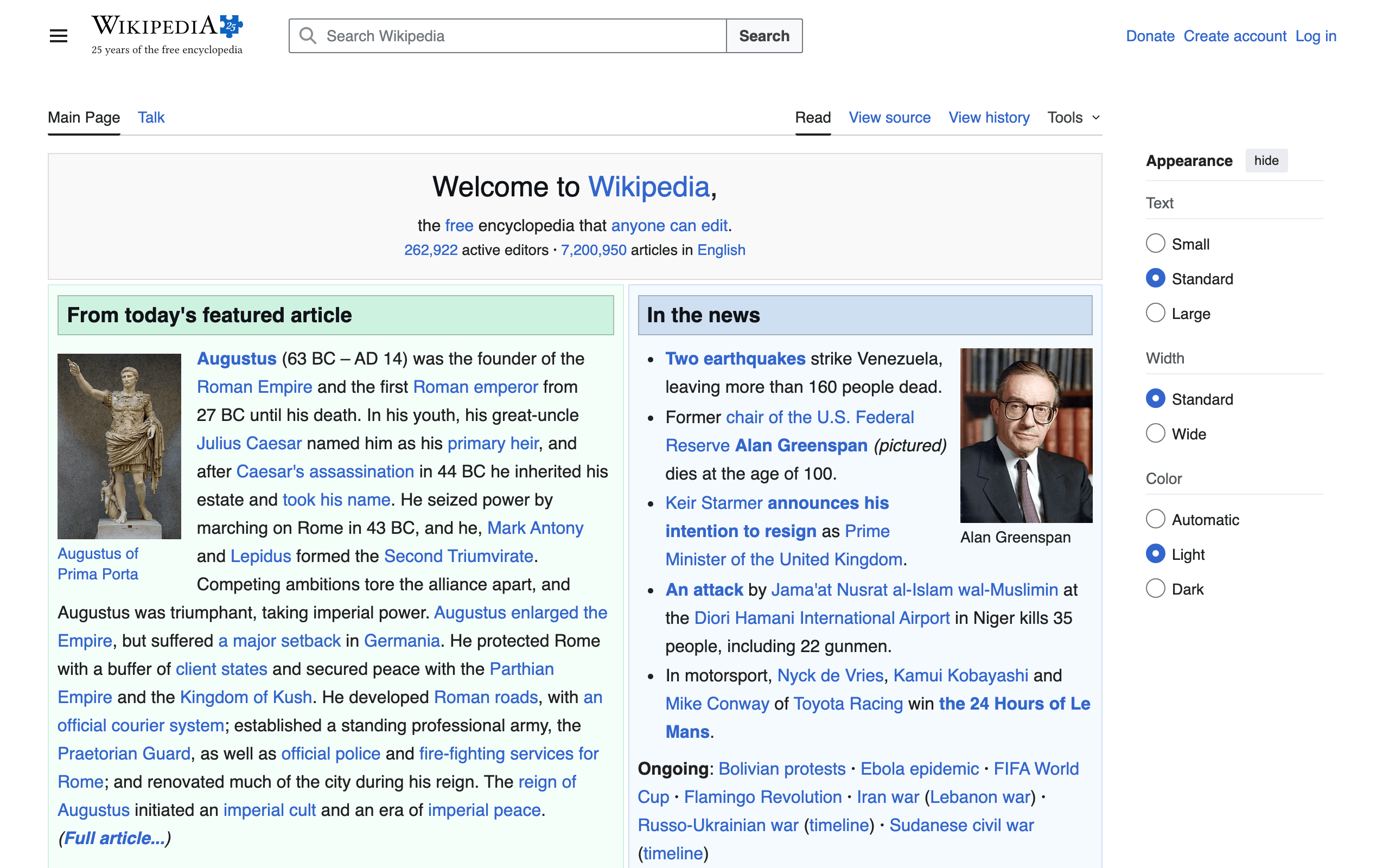
- PNG, JPEG & WebP output
- Cookie banners removed automatically
- Captures pages in any language
- 100 free screenshots, no card
CLEAN BY DEFAULT
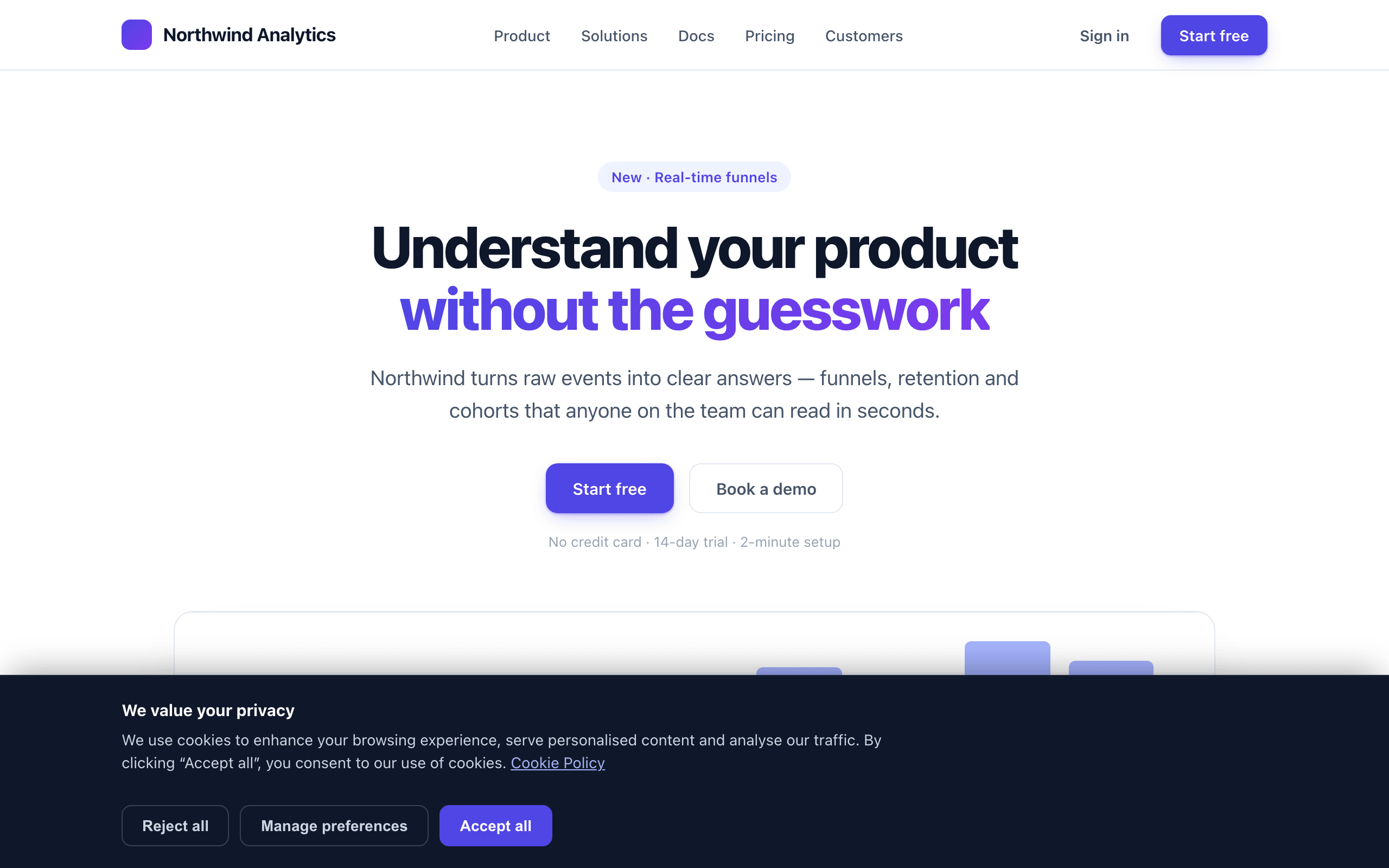
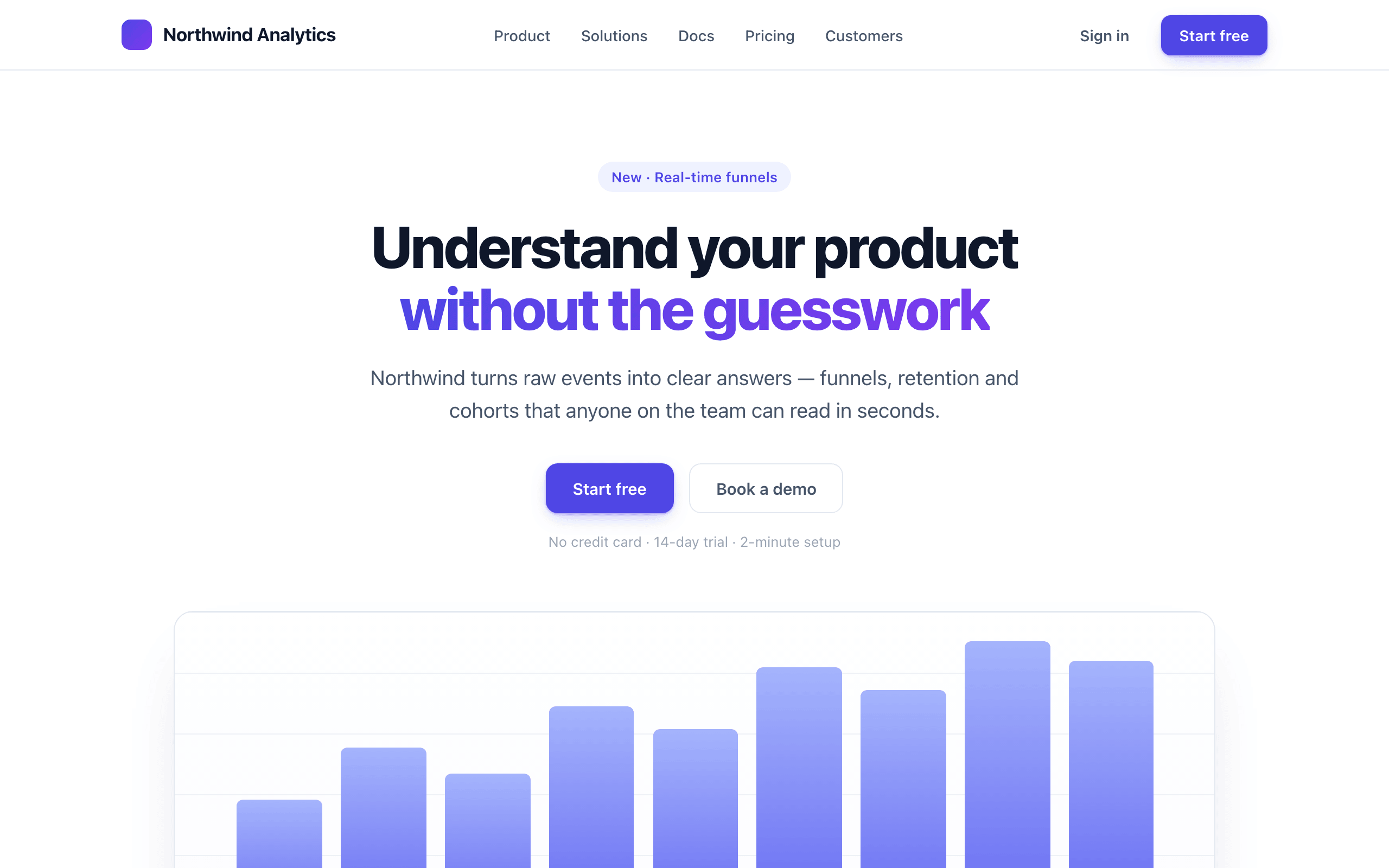
Clean captures, every time
Cookie banners, consent popups, ads and overlays are removed automatically before every capture, so your screenshots show the page, not the pop-up. There is nothing to configure.
YOUR FRAME, YOUR PIXELS
Render it exactly how you need
Frame the page the way your users actually see it. Capture the full scrollable page or pinpoint a single element, at any viewport, on any device, crisp on retina.
- Desktop, tablet or mobile — set the viewport, capture what they see
- Full page or a single element — fullPage, or a CSS selector
- Retina-crisp — bump deviceScaleFactor to 2 or 3 for high-density shots
EVERY FORMAT FOR THE WEB
PNG, JPEG, WebP: the right image for the job
Get the exact image the web needs: lossless PNG by default, or smaller JPEG and WebP with a quality setting for thumbnails, previews and fast-loading pages.
- Lossless PNG by default — pixel-for-pixel what the page renders
- Smaller JPEG & WebP with a quality setting for lighter files
- WebP gives the best size-for-quality on the modern web
WHAT ELSE YOU GET
URL or HTML, SSRF-safe, agent-native, all in one endpoint
Snapshot a live URL, or render your own HTML
Capture any page by url, or POST your own html and get back exactly that markup rendered. Good for receipts, OG images and email previews.
View docsSafe to point at any URL your users paste
Requests to private, internal and loopback addresses are blocked by default, so a screenshot URL can never become a window onto your network.
View docsYou only pay for images you get back
One screenshot is one credit, and cached results and failed requests are never billed, so the bill matches the images you actually use.
See pricing{
"mcpServers": {
"apiscreenshot": {
"url": "https://mcp.apiscreenshot.com",
"headers": { "Authorization": "Bearer sk_live_..." }
}
}
}Give your AI agent a native screenshot tool
Point Claude or any MCP client at APIScreenshot and it gets a native screenshot tool. Drop this in and your agent can capture any page or rendered HTML. No glue code.
View docsDROP IT IN, IN MINUTES
Use the language you love
Send one request with your key and the response body is the image itself. No SDK to install, no job to poll, no orchestration on your side.
- Same call from cURL, Node or Python — your key as a Bearer token
- The response body is the image — save it, upload it, stream it
- PNG, JPEG or WebP, any viewport, full page or one element
- Cached results and failed requests are never billed
curl https://api.apiscreenshot.com/v1/screenshot \
  -H "Authorization: Bearer sk_live_..." \
  -H "Content-Type: application/json" \
  -d '{ "url": "https://example.com", "fullPage": true }' \
  -o screenshot.png
USE CASES
One endpoint, a lot of jobs
The same /v1/screenshot call powers each of these. Pick the one that fits and the page walks you through it.
Open Graph images
Render a per-page Open Graph image from your own HTML in one call.
Website thumbnails
Turn any URL into a clean preview thumbnail in a single call.
Full-page capture
Capture an entire long page, top to bottom, in a single image.
Visual monitoring
Re-capture a page on a schedule and spot visual changes or regressions.
Link previews
Unfurl any pasted URL into a rich preview card with a thumbnail.
Website archiving
Snapshot a page exactly as it appeared, for compliance and records.
FAQ
Questions, answered
Still stuck? The docs cover every parameter, or reach us at support@apiscreenshot.com.
Make your first call today
One endpoint, 100 free screenshots to start. No credit card.